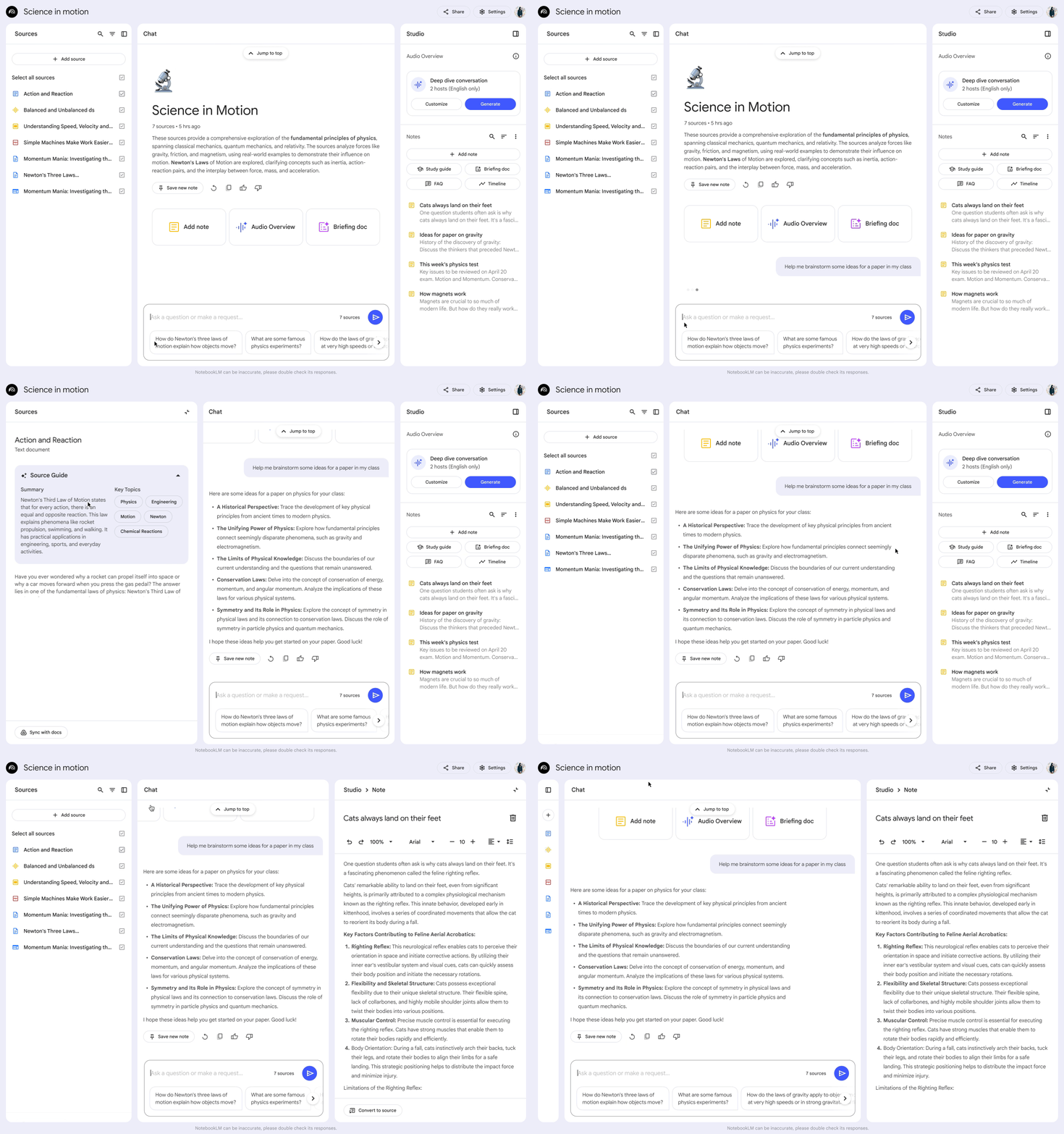
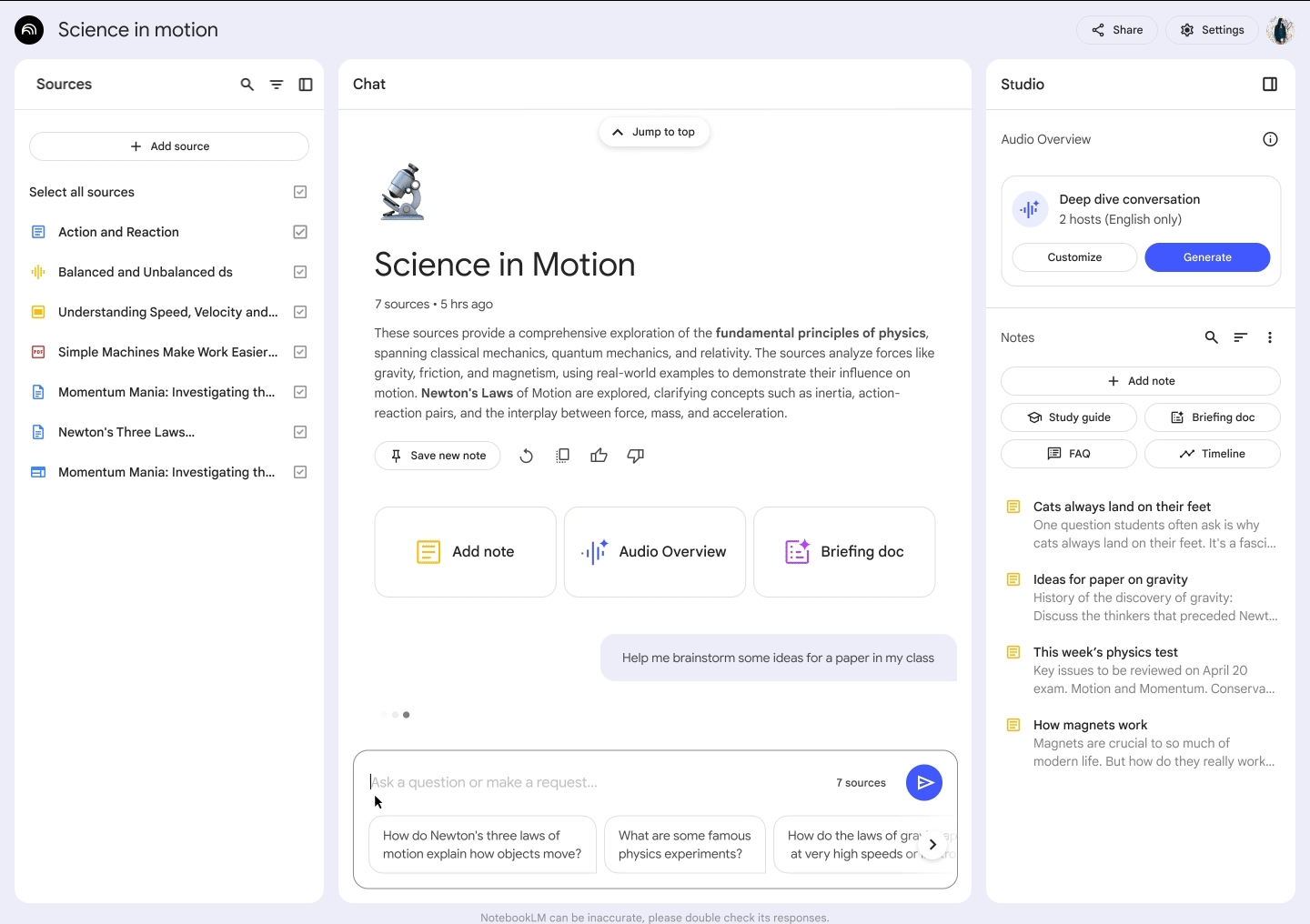
An update on using AI — specifically NotebookLM — as a diagnostic companion tool. I’ve been putting it through its paces for over a week now, and the results have been a mixed bag.
The Good
There are certainly plenty of upsides to this system. You can upload or link documents, videos, and even photos or screenshots for the AI to analyze and reference in its responses.
While there is a limit on the number of sources you can attach to a single notebook, I found a neat workaround, using Google Docs via Google Drive. PDF uploads can quickly eat up your available source slots. However, if you create a single Google Doc, you can paste extensive technical data into it, and NotebookLM counts it as just one source. For example, I pasted the contents of four separate PDFs into a single Google Doc, saving three source slots in the process.
Another trick that worked remarkably well was scanning pages from technical textbooks and uploading them as PDFs. In every case so far, the AI was able to OCR and read the scanned pages without missing a beat — which is pretty impressive.
The Not So Good
Most of the downsides come down to minor quirks, though I did encounter a couple of server-side slowdowns and outages. When you’re trying to build a reliable tool for real-world shop work, server downtime gets frustrating very quickly.
The issue with textbook scans was double-edged. Right after uploading a batch of scanned pages, the notebook began to struggle with answering queries. It was hard to tell whether the complex scanned document caused the hiccup or if it just coincided with a background server lag event (the kind where everything seems fine until you push the issue and find out there’s a “known micro-outage”). Either way, it interrupted the workflow.
During that time, I read that NotebookLM can occasionally get confused or output odd results if your source documents are exceptionally long or highly technical — especially when packed together. That said, I only had 23 sources active, and the material wasn’t extraordinarily complex.
Another frustration is the Audio Overview feature. Generating a podcast roundup of your technical data sounds great on paper, but the output featured two generic hosts engaging in overly casual, energetic banter using my diagnostic notes. It might work well for general topics, but for technical diagnostic material, it felt completely out of place. I suspect tweaking the prompt parameters could steer the tone toward something more professional, which I’ll test out down the road.
Lastly — at least for this first week — is response latency. At times, the system can take a surprisingly long time to process sources and collate an answer, even for relatively simple queries.
Conclusion
Despite the quirks, I still think this setup has huge potential. Running past diagnostic job notes showed that when it works, it gathers relevant data and formats it into clear actionable reports.
The biggest learning curve is prompt structure. Learning how to ask the question is key. Keep it factual, supply the essential variables, and avoid fluff — just the facts, ma’am. When fed a clear prompt, it can deliver solid output.
It’s still very much a work in progress, but worth continuing to refine.
First post about this topic here.